Buy فرکانس.com ?
We are moving the project
فرکانس.com .
Are you interested in purchasing the domain
فرکانس.com ?
domain@kv-gmbh.de · 0541-91531010
Buy فرکانس.com ?
How can you transmit a redstone signal upward with a redstone block in Minecraft?
To transmit a redstone signal upward with a redstone block in Minecraft, you can simply place the redstone block directly underneath the block where you want the signal to go. When the redstone block is powered, it will transmit the signal upward through the block it is underneath, allowing you to power any redstone components above it. This is a simple and effective way to transmit redstone signals vertically in your Minecraft builds. **
How long can a redstone repeater delay a signal?
A redstone repeater can delay a signal for up to 4 game ticks, which is equivalent to 0.2 seconds in real time. This delay can be increased by chaining multiple repeaters together, allowing for longer delays if needed. Redstone repeaters are commonly used in redstone circuits to control the timing and flow of signals, making them a versatile tool for creating complex mechanisms in Minecraft. **


Similar search terms for Redstone
Top-Angebote
Products related to Redstone:
-
Mattel Minecraft Redstone Charged Animated Armour Stand Set - Alex - 3.25 inBring the power of Minecraft Redstone into real-world play with the Minecraft Redstone Charged Animated Armour Stand Set from Mattel. Designed in the instantly recognisable pixelated style of the game, this action-packed set lets young fans recreate familiar Minecraft moments and invent their own adventures. The set includes a 3.25-inch scale Alex action figure, an animated armour stand, and a Skeleton mob head accessory. Press the button on the command block to activate the armour stand mechanism and make it move, adding an interactive feature to imaginative play. The interchangeable Skeleton head can be placed on the armour stand or worn by Alex, allowing children to create different characters and scenes inspired by the Minecraft game. With its compact presentation packaging and characterful block-style design, this set is suitable for both play and display. It makes a great addition to a Minecraft collection and can be combined with other Minecraft figures and accessories for expanded play.13,99 £*Shipping: 3,95 £Secure redirect to the provider
-
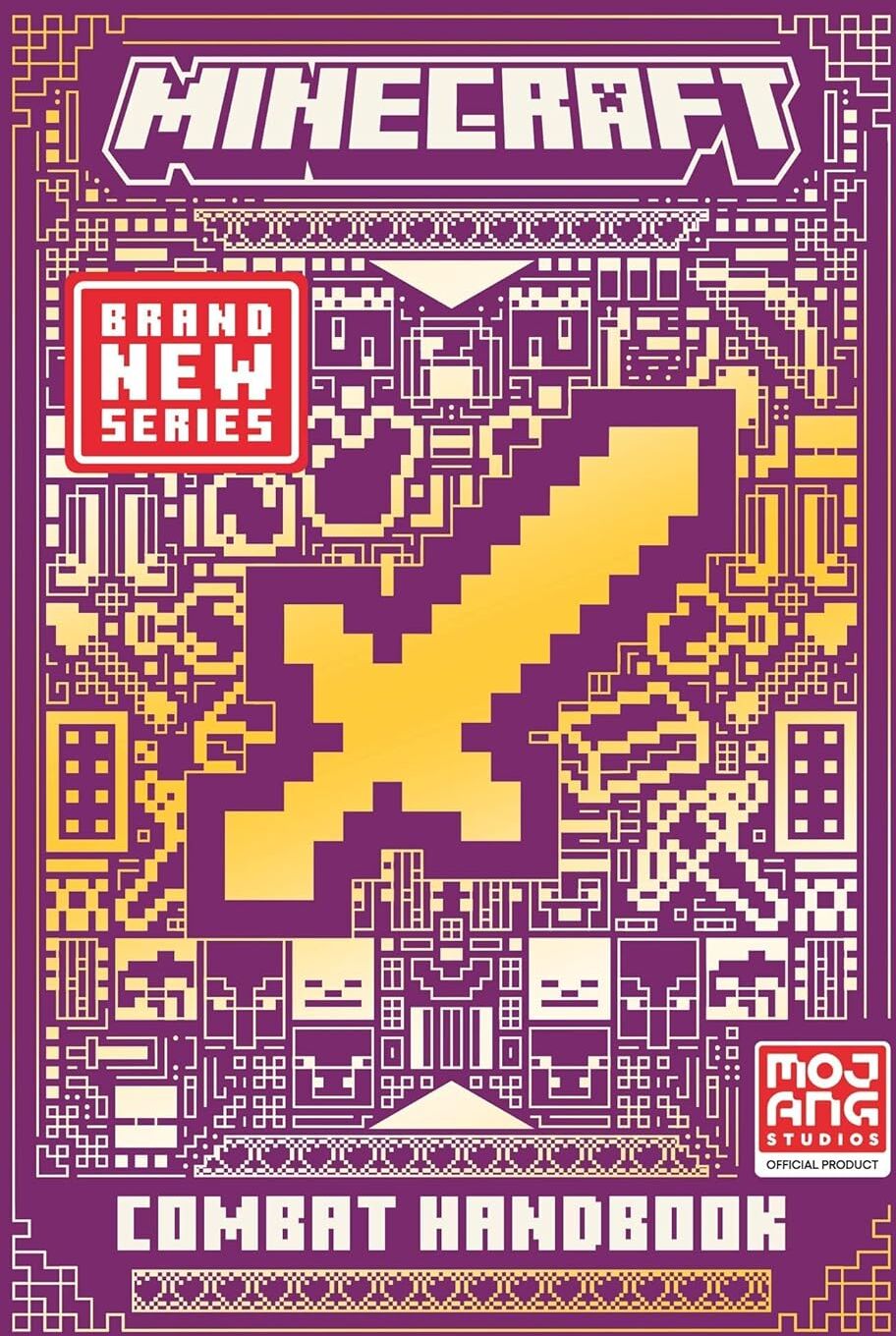
Farshore All New Official Minecraft Handbook 4 Books Collection Set by Mojang AB - Combat, Creative, Survival & Redstone - Hardcover - Ages 8+Level up your Minecraft skills with this official four-book handbook collection from Mojang, published by Farshore. The set includes four hardcover guides: the All New Official Minecraft Combat Handbook, the All New Official Minecraft Creative Handbook, the All New Official Minecraft Survival Handbook, and the All New Official Minecraft Redstone Handbook. Each book breaks down the game's core mechanics into clear, illustrated steps, covering combat, creative, survival, and redstone gameplay. Suitable for Minecraft fans aged 8 and up, this collection delivers trusted official advice in one durable, giftable package.19,99 £*Shipping: 2,99 £Secure redirect to the provider
-
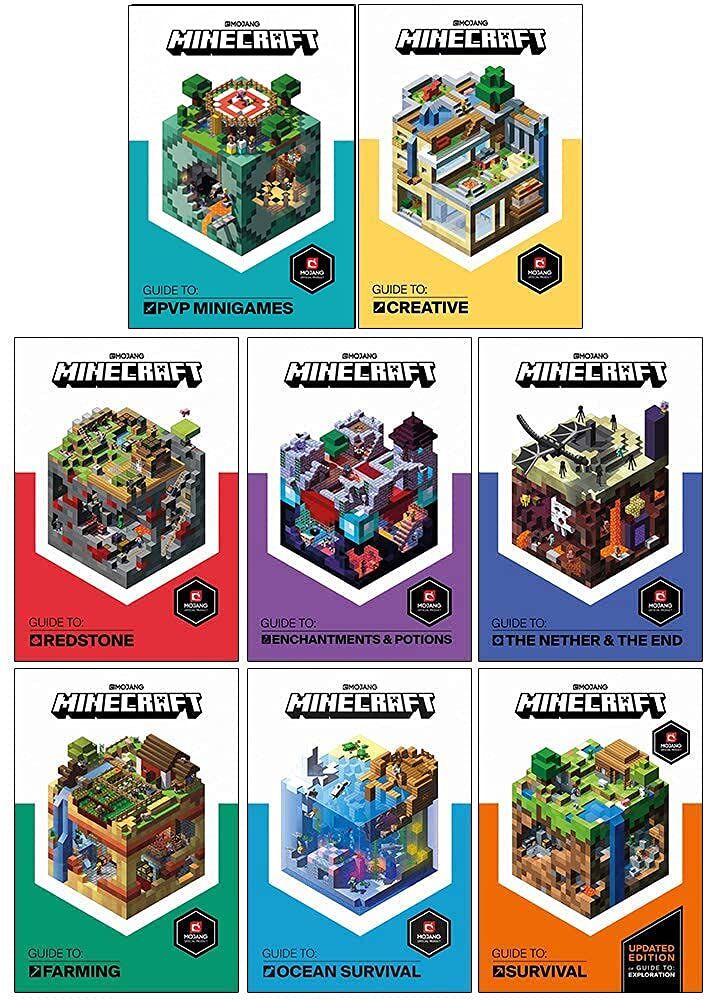
Egmont Minecraft Guide Collection 8 Books Set by Mojang AB - Paperback in Hardback Slipcase - Ages 6+ - Redstone, Farming, Survival & More - Official GuidesThis Minecraft Guide Collection brings together eight official Mojang guidebooks in one sturdy slipcase. The set covers a range of topics, from redstone circuitry to ocean survival, and is written for players who want to build smarter, survive longer and explore with confidence. Each compact paperback is colourful and easy to dip into, making the collection ideal for young Minecrafters, reluctant readers drawn in by familiar characters, and anyone looking for a well-organised gift that gets used. The books are presented in a hardback slipcase and are suitable for ages 6 and above.15,99 £*Shipping: 2,99 £Secure redirect to the provider
-
Dean The Official Minecraft Guide Collection 8 Books Box Set by Mojang AB - Paperback Guides for Ages 7-9 - Survival, Creative, Redstone, Farming & MoreThe Official Minecraft Guide Collection is an eight-book paperback box set packed with tips straight from the developers at Mojang. Covering everything from first-night survival to advanced redstone engineering, this collection helps young Minecrafters build confidence in every corner of the game. With clear explanations, colourful screenshots and practical step-by-step advice, it's an essential companion for any child who loves crafting, building, exploring or simply surviving in the Overworld. Each guide in this set focuses on a different side of the Minecraft experience, including survival, creativity, redstone, and more. This collection is suitable for children aged 7-9 and is a great resource for kids who are new to Minecraft or looking to improve their skills.15,49 £*Shipping: 2,99 £Secure redirect to the provider


-
How can you interrupt a Redstone signal in Minecraft?
You can interrupt a Redstone signal in Minecraft by placing a block or a Redstone component, such as a repeater or a comparator, in the path of the signal. This will stop the signal from traveling further and effectively interrupt it. Additionally, you can also use a Redstone torch to invert the signal, turning it off when the torch is powered and on when the torch is unpowered. Finally, you can use a lever or a button to manually turn off the Redstone signal. **
-
How can you double a redstone signal in Minecraft?
To double a redstone signal in Minecraft, you can use a redstone repeater. Place the repeater facing the direction you want the signal to go, and adjust the delay settings if needed. This will amplify the signal and allow it to travel further or power more redstone components. Additionally, you can use redstone torches to create a redstone ladder, where each torch will double the signal strength as it travels upwards. **
-
Why doesn't Redstone work?
Redstone may not work for several reasons, including incorrect wiring, lack of power, or interference from nearby redstone signals. It's important to ensure that redstone components are properly connected and powered, and that there are no conflicting signals causing interference. Additionally, redstone may not work if the game is experiencing bugs or glitches that affect redstone functionality. Troubleshooting these issues and ensuring proper setup can help resolve redstone problems. **
-
How can you trigger the Redstone signal three times in Minecraft?
To trigger the Redstone signal three times in Minecraft, you can use a Redstone repeater set to a delay of three ticks. This will create a delay between each signal, allowing you to trigger it three times. Alternatively, you can use a Redstone clock circuit that pulses three times before turning off. Another option is to use a series of Redstone torches or Redstone comparators in a loop that will activate the signal three times before resetting. **


How can you delay a Redstone signal only when turning off?
One way to delay a Redstone signal only when turning off is by using a Redstone repeater set to its maximum delay. When the signal is turned off, the repeater will maintain the signal for a short period before it eventually turns off. This delay can be adjusted by increasing or decreasing the delay on the repeater. Another method is to use a pulse extender circuit, which will extend the duration of the signal when it is turned off before it finally shuts off. **
How can you create a signal to 2 in Minecraft Redstone?
To create a signal of 2 in Minecraft Redstone, you can use a redstone repeater set to the second tick delay. This will extend the signal by 2 blocks. Alternatively, you can use a redstone torch tower with two torches stacked on top of each other, which will also create a signal of 2. Finally, you can use a comparator in subtract mode with a signal strength of 3 and a block with a signal strength of 1, which will result in a signal strength of 2. **
Top-Angebote
Products related to Redstone:
-
James Zeiger Minecraft: Redstone and Transportation - Non Fiction - PaperbackTitle:. Minecraft: Redstone and Transportation (21st Century Skills Innovation Library: Unofficial Guides Junior) Condition: BRAND NEW. Format: Paperback Overview:. Unlock the inner engineer in every young Minecraft fan with this kid-friendly guide to redstone and transport systems. Minecraft: Redstone and Transportation is designed for curious minds ready to translate in-game actions into real-world problem-solving skills. As part of the 21st Century Skills Innovation Library: Unofficial Guides Junior, the book presents clear, concise explanations tailored to younger readers, with colorful visuals and hands-on projects that feel like fun challenges rather than chores. Readers will learn how redstone energy can automate doors, power mine carts, and streamline complex pathways, turning a simple world into a dynamic, functioning machine. The book’s step-by-step format breaks down each build into manageable tasks, with diagrams and kid-friendly language that demystify circuit logic, timing, and sequencing. With a compact 24-page layout and engaging photography, this guide is perfect for classroom activities, after-school clubs, or weekend tinkering at home. It also reinforces essential STEM concepts—systems thinking, cause-and-effect, and iterative design—while staying truly playful and game-centered. A trusted entry-point for early readers, it blends Minecraft passion with practical, transferable skills they’ll carry beyond the screen. What Makes This Book Stand Out:. This title stands apart from typical Minecraft manuals by marrying fun builds with a clear pathway to understanding how things work. Rather than merely showing recipes, it explains the why behind redstone signals and transport logic, helping readers grasp cause-and-effect, timing, and basic circuitry at a level appropriate for children. The Unofficial Guides Junior series emphasizes approachable language, bright visuals, and a curriculum-friendly approach, making complex ideas feel accessible. Readers are encouraged to experiment, iterate, and customize their creations, turning each project into a confidence-building mini-lesson in problem solving. The book’s design supports independent reading as well as guided classroom activities, with glossaries, diagrams, and quick challenges that reward curiosity with tangible, in-game results. In short, it’s a bridge between gaming fun and real-world thinking. Who This Book Is Perfect For:. This title is ideal for Minecraft fans aged around 8–12 who want to go beyond simple copy-and-paste builds. It suits early readers developing technical interest, parents seeking STEM-aligned gifts, teachers incorporating Minecraft into lessons, and caregivers looking for hands-on activities that blend creativity with critical thinking. If your child loves redstone, trains, rails, and clever contraptions, this is the perfect stepping-stone to more sophisticated projects. It also makes a thoughtful gift for budding engineers, makers, and digital natives who...11,01 £*Shipping: 2,99 £Secure redirect to the provider
-
BPerfect Melted Cream Blush cream blush shade Redstone 7.5 gBPerfect Melted Cream Blush, 7.5 g, Blushers for Women, Do you want to give your face a healthy, fresh appearance? The BPerfect Melted Cream Blush blusher is here to help. It envelops your cheeks in a soft hint of colour similar to the natural blushing process. But it’s also useful for highlighting features and visually altering the shape of your face, for example when you want your cheeks to appear lifted. Just apply a few layers with a brush or sponge and your cheeks will get a refreshed appearance to enhance any makeup style. Characteristics: has a pleasantly soft, lightweight texture gives your face a healthy colour blends perfectly with your skin easy to use multiple layers can be applied Ingredients: vitamin E – nourishes, provides antioxidant protection against premature ageing and damage caused by free radicals, helps smooth wrinkles and restore skin firmness and elasticity coconut oil – contains a large amount of antioxidants, helps prevent wrinkles and premature skin aging, intensively nourishes, softens and promotes hydration, regeneration and soothing of skin How to use: Apply to the skin using a brush, sponge or fingertips. Spread until blended, so that there are no visible lines.9,73 £*Shipping: 3,99 £Secure redirect to the provider
-
Mattel Minecraft Redstone Charged Animated Armour Stand Set - Alex - 3.25 inBring the power of Minecraft Redstone into real-world play with the Minecraft Redstone Charged Animated Armour Stand Set from Mattel. Designed in the instantly recognisable pixelated style of the game, this action-packed set lets young fans recreate familiar Minecraft moments and invent their own adventures. The set includes a 3.25-inch scale Alex action figure, an animated armour stand, and a Skeleton mob head accessory. Press the button on the command block to activate the armour stand mechanism and make it move, adding an interactive feature to imaginative play. The interchangeable Skeleton head can be placed on the armour stand or worn by Alex, allowing children to create different characters and scenes inspired by the Minecraft game. With its compact presentation packaging and characterful block-style design, this set is suitable for both play and display. It makes a great addition to a Minecraft collection and can be combined with other Minecraft figures and accessories for expanded play.13,99 £*Shipping: 3,95 £Secure redirect to the provider
-
Farshore All New Official Minecraft Handbook 4 Books Collection Set by Mojang AB - Combat, Creative, Survival & Redstone - Hardcover - Ages 8+Level up your Minecraft skills with this official four-book handbook collection from Mojang, published by Farshore. The set includes four hardcover guides: the All New Official Minecraft Combat Handbook, the All New Official Minecraft Creative Handbook, the All New Official Minecraft Survival Handbook, and the All New Official Minecraft Redstone Handbook. Each book breaks down the game's core mechanics into clear, illustrated steps, covering combat, creative, survival, and redstone gameplay. Suitable for Minecraft fans aged 8 and up, this collection delivers trusted official advice in one durable, giftable package.19,99 £*Shipping: 2,99 £Secure redirect to the provider
-
How can you transmit a redstone signal upward with a redstone block in Minecraft?
To transmit a redstone signal upward with a redstone block in Minecraft, you can simply place the redstone block directly underneath the block where you want the signal to go. When the redstone block is powered, it will transmit the signal upward through the block it is underneath, allowing you to power any redstone components above it. This is a simple and effective way to transmit redstone signals vertically in your Minecraft builds. **
-
How long can a redstone repeater delay a signal?
A redstone repeater can delay a signal for up to 4 game ticks, which is equivalent to 0.2 seconds in real time. This delay can be increased by chaining multiple repeaters together, allowing for longer delays if needed. Redstone repeaters are commonly used in redstone circuits to control the timing and flow of signals, making them a versatile tool for creating complex mechanisms in Minecraft. **
-
How can you interrupt a Redstone signal in Minecraft?
You can interrupt a Redstone signal in Minecraft by placing a block or a Redstone component, such as a repeater or a comparator, in the path of the signal. This will stop the signal from traveling further and effectively interrupt it. Additionally, you can also use a Redstone torch to invert the signal, turning it off when the torch is powered and on when the torch is unpowered. Finally, you can use a lever or a button to manually turn off the Redstone signal. **
-
How can you double a redstone signal in Minecraft?
To double a redstone signal in Minecraft, you can use a redstone repeater. Place the repeater facing the direction you want the signal to go, and adjust the delay settings if needed. This will amplify the signal and allow it to travel further or power more redstone components. Additionally, you can use redstone torches to create a redstone ladder, where each torch will double the signal strength as it travels upwards. **
Similar search terms for Redstone
-
Egmont Minecraft Guide Collection 8 Books Set by Mojang AB - Paperback in Hardback Slipcase - Ages 6+ - Redstone, Farming, Survival & More - Official GuidesThis Minecraft Guide Collection brings together eight official Mojang guidebooks in one sturdy slipcase. The set covers a range of topics, from redstone circuitry to ocean survival, and is written for players who want to build smarter, survive longer and explore with confidence. Each compact paperback is colourful and easy to dip into, making the collection ideal for young Minecrafters, reluctant readers drawn in by familiar characters, and anyone looking for a well-organised gift that gets used. The books are presented in a hardback slipcase and are suitable for ages 6 and above.15,99 £*Shipping: 2,99 £Secure redirect to the provider
-
Dean The Official Minecraft Guide Collection 8 Books Box Set by Mojang AB - Paperback Guides for Ages 7-9 - Survival, Creative, Redstone, Farming & MoreThe Official Minecraft Guide Collection is an eight-book paperback box set packed with tips straight from the developers at Mojang. Covering everything from first-night survival to advanced redstone engineering, this collection helps young Minecrafters build confidence in every corner of the game. With clear explanations, colourful screenshots and practical step-by-step advice, it's an essential companion for any child who loves crafting, building, exploring or simply surviving in the Overworld. Each guide in this set focuses on a different side of the Minecraft experience, including survival, creativity, redstone, and more. This collection is suitable for children aged 7-9 and is a great resource for kids who are new to Minecraft or looking to improve their skills.15,49 £*Shipping: 2,99 £Secure redirect to the provider
-
Farshore All New Official Minecraft Redstone Handbook: The Latest Updated and Revised Essential 2022 Guide Book for the Best Selling Video Game of All TimeAll New Official Minecraft Redstone Handbook: The Latest Updated and Revised Essential 2022 Guide Book for the Best Selling Video Game of All Time9,99 £*Shipping: 2,99 £Secure redirect to the provider
-
Inspired Deals Digital Transceiver For Low Latency Drone Video Transmission Stable Signal Module Digital Transceiver For Low Latency Drone Video Transmission Stable Signal ModuleTake control of every flight with confidence and clarity. This DJI Neo 2 digital transceiver is designed for drone enthusiasts and professionals who demand smooth, realtime video transmission without frustrating delays. Whether you're capturing...64,97 $*Shipping: 0,00 $Secure redirect to the provider
-
Why doesn't Redstone work?
Redstone may not work for several reasons, including incorrect wiring, lack of power, or interference from nearby redstone signals. It's important to ensure that redstone components are properly connected and powered, and that there are no conflicting signals causing interference. Additionally, redstone may not work if the game is experiencing bugs or glitches that affect redstone functionality. Troubleshooting these issues and ensuring proper setup can help resolve redstone problems. **
-
How can you trigger the Redstone signal three times in Minecraft?
To trigger the Redstone signal three times in Minecraft, you can use a Redstone repeater set to a delay of three ticks. This will create a delay between each signal, allowing you to trigger it three times. Alternatively, you can use a Redstone clock circuit that pulses three times before turning off. Another option is to use a series of Redstone torches or Redstone comparators in a loop that will activate the signal three times before resetting. **
-
How can you delay a Redstone signal only when turning off?
One way to delay a Redstone signal only when turning off is by using a Redstone repeater set to its maximum delay. When the signal is turned off, the repeater will maintain the signal for a short period before it eventually turns off. This delay can be adjusted by increasing or decreasing the delay on the repeater. Another method is to use a pulse extender circuit, which will extend the duration of the signal when it is turned off before it finally shuts off. **
-
How can you create a signal to 2 in Minecraft Redstone?
To create a signal of 2 in Minecraft Redstone, you can use a redstone repeater set to the second tick delay. This will extend the signal by 2 blocks. Alternatively, you can use a redstone torch tower with two torches stacked on top of each other, which will also create a signal of 2. Finally, you can use a comparator in subtract mode with a signal strength of 3 and a block with a signal strength of 1, which will result in a signal strength of 2. **
* All prices are inclusive of VAT and, if applicable, plus shipping costs. The offer information is based on the details provided by the respective shop and is updated through automated processes. Real-time updates do not occur, so deviations can occur in individual cases. ** Note: Parts of this content were created by AI.